Sessions and playback
Find sessions by what happened in them, then play one back.
A session is one visit, from the first event to 30 minutes of silence. See Users, sessions and installs.
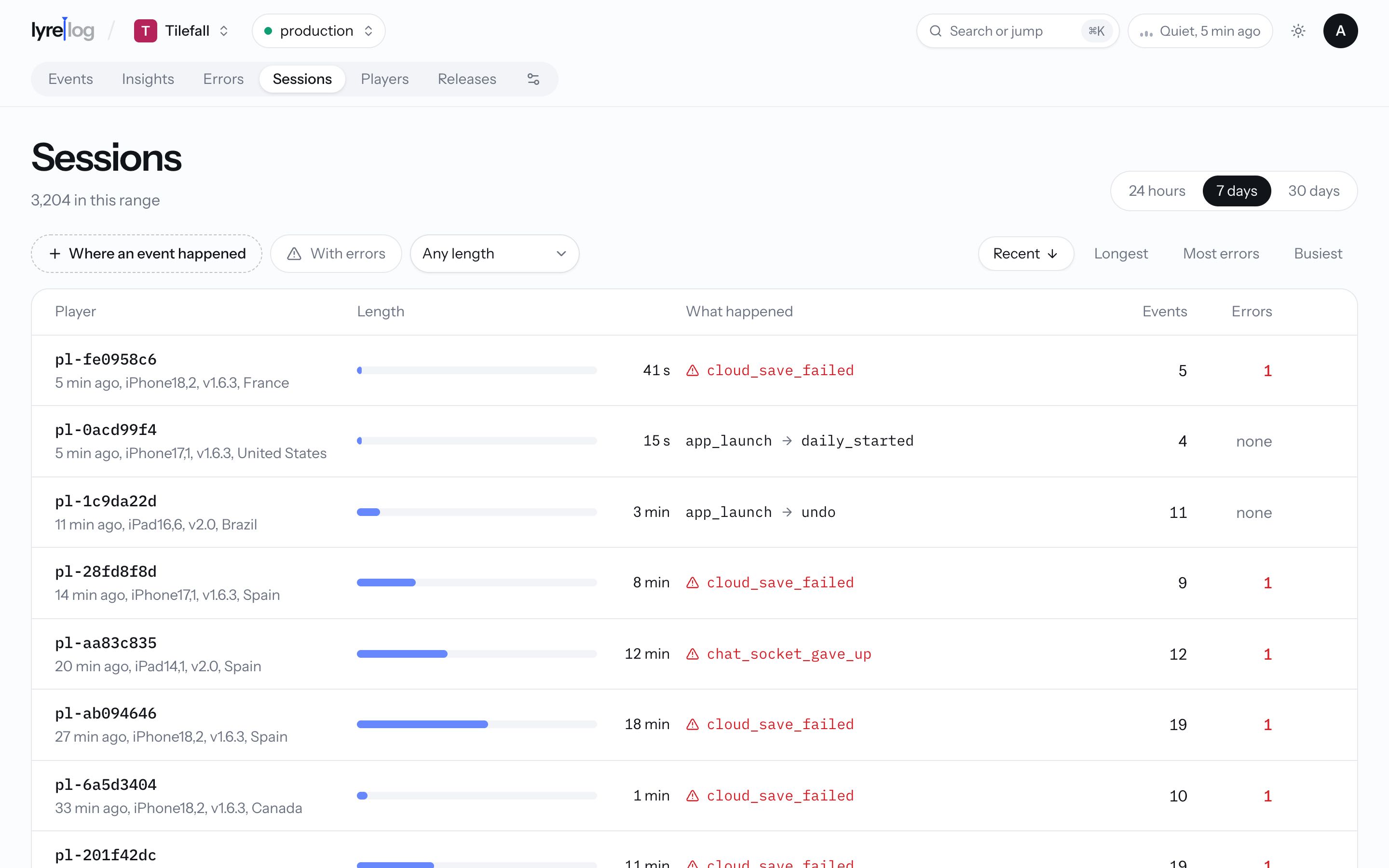
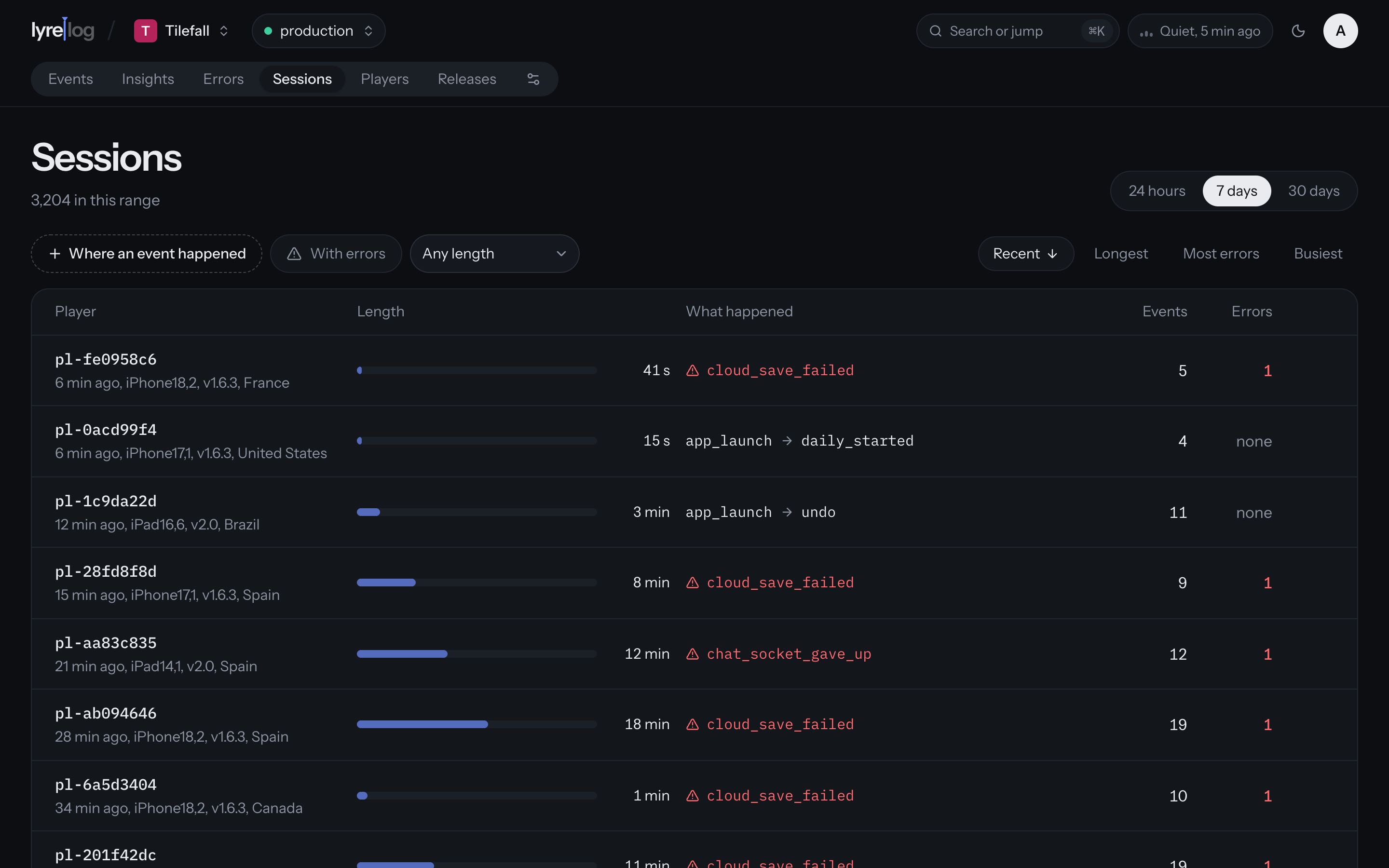
Finding sessions
The Sessions page lists the sessions in the range (24 hours, 7 days or 30 days; 7 days by default). Narrow them down with:
- Where an event happened: only sessions that contain a given event. The session's other events still count.
- With errors: only sessions with an error.
- Length: any length, or over 1, 5 or 15 minutes.
Sort by Recent, Longest, Most errors or Busiest. Show more loads the next page.
Each row shows:
- Who it was, how long ago it started, and the device, app version and country.
- How long it lasted, as a bar against the longest in the list.
- What happened: the first error, or else the first and the last event.
- How many events and errors.
Click the person to open their page on that session, or the play button to play it back.
Playback
Playback lives on the person's page, on each session's card. Click Play back there, or Play back this session on the Sessions page, Play back the session on an open event, or Play back the latest on the Errors page. The last three jump to the person's page and start playing on their own.
Playback replays the session's events in order on its strip, with the silences fast-forwarded: each gap between two events plays in 0.2 to 1.1 seconds, whatever its real length, so events arrive at a steady beat. The event being played stays in view in the list below.
- Pause and Resume stop and carry on.
- Play again starts over once it ends.
- Show the events and Hide the events open and close the list.
Playback replays logged events, not the screen: what you see is what the app sent.