People
The people your app talks to, named as your project names them, and everything that happened to each.
This page takes the project's word for its people: Users by default, Players for a game, or whatever an owner sets in Settings. The same word names the tab, the filters and the cards everywhere else.
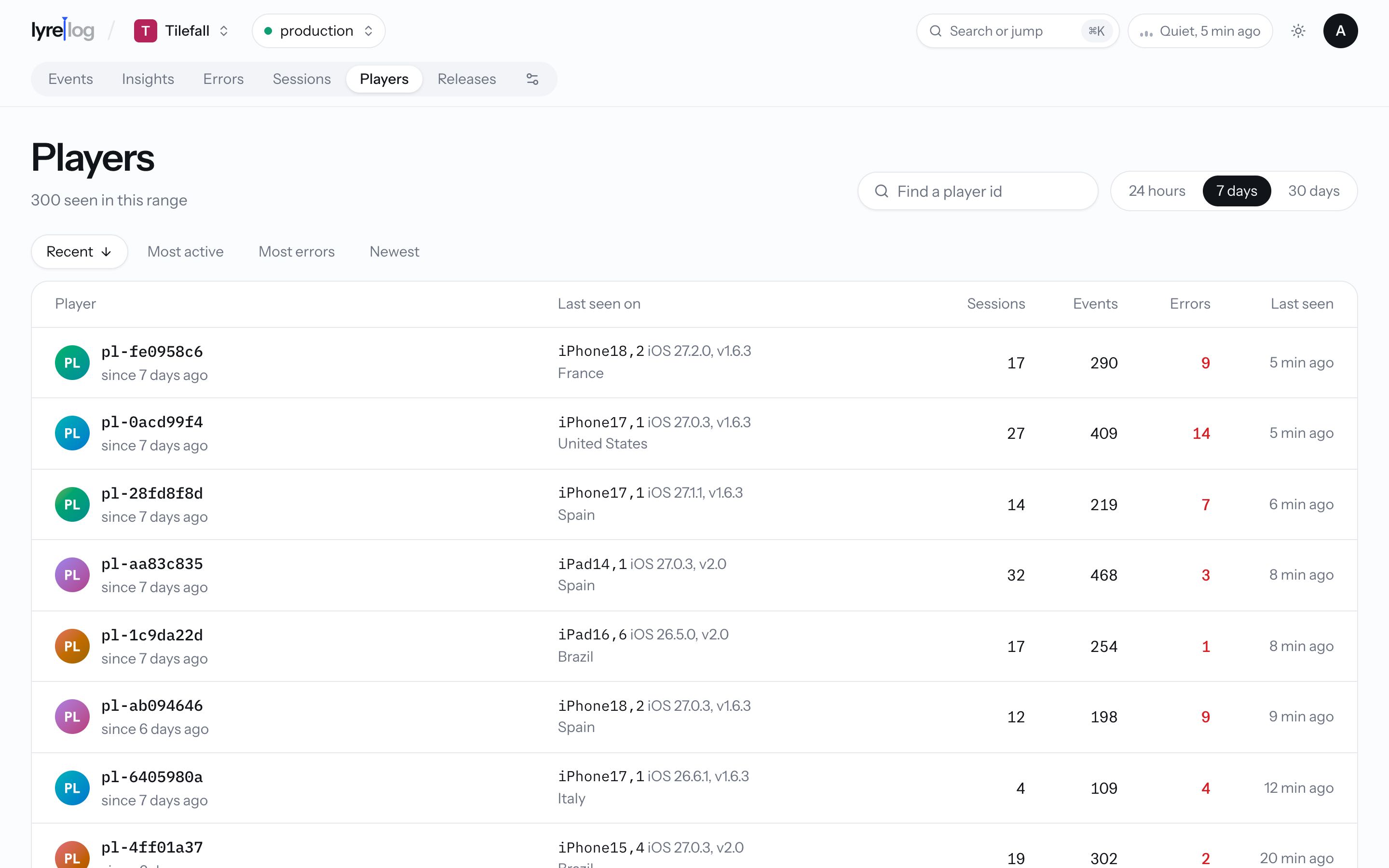
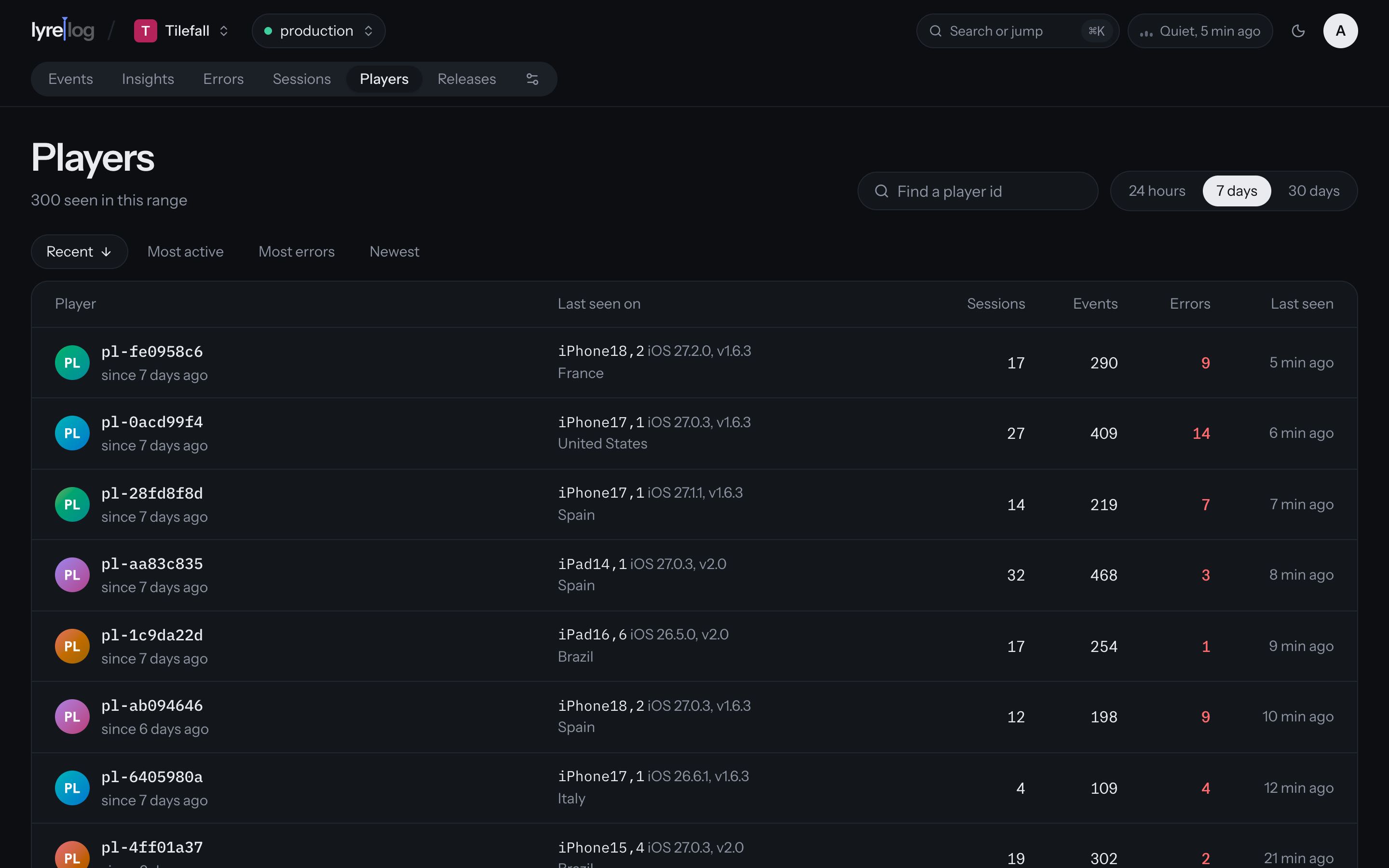
The list
Everyone with a user_id in the range (24 hours, 7 days or 30 days; 7 days by default). Sort by
Recent, Most active, Most errors or Newest.
Each row shows the person's id and how long ago they were first seen, the device and app version they last used, their sessions, events and errors, and when they were last seen. Hover the errors to see the share of their sessions that saw one.
To find someone, type part of their id in the search box.
One person
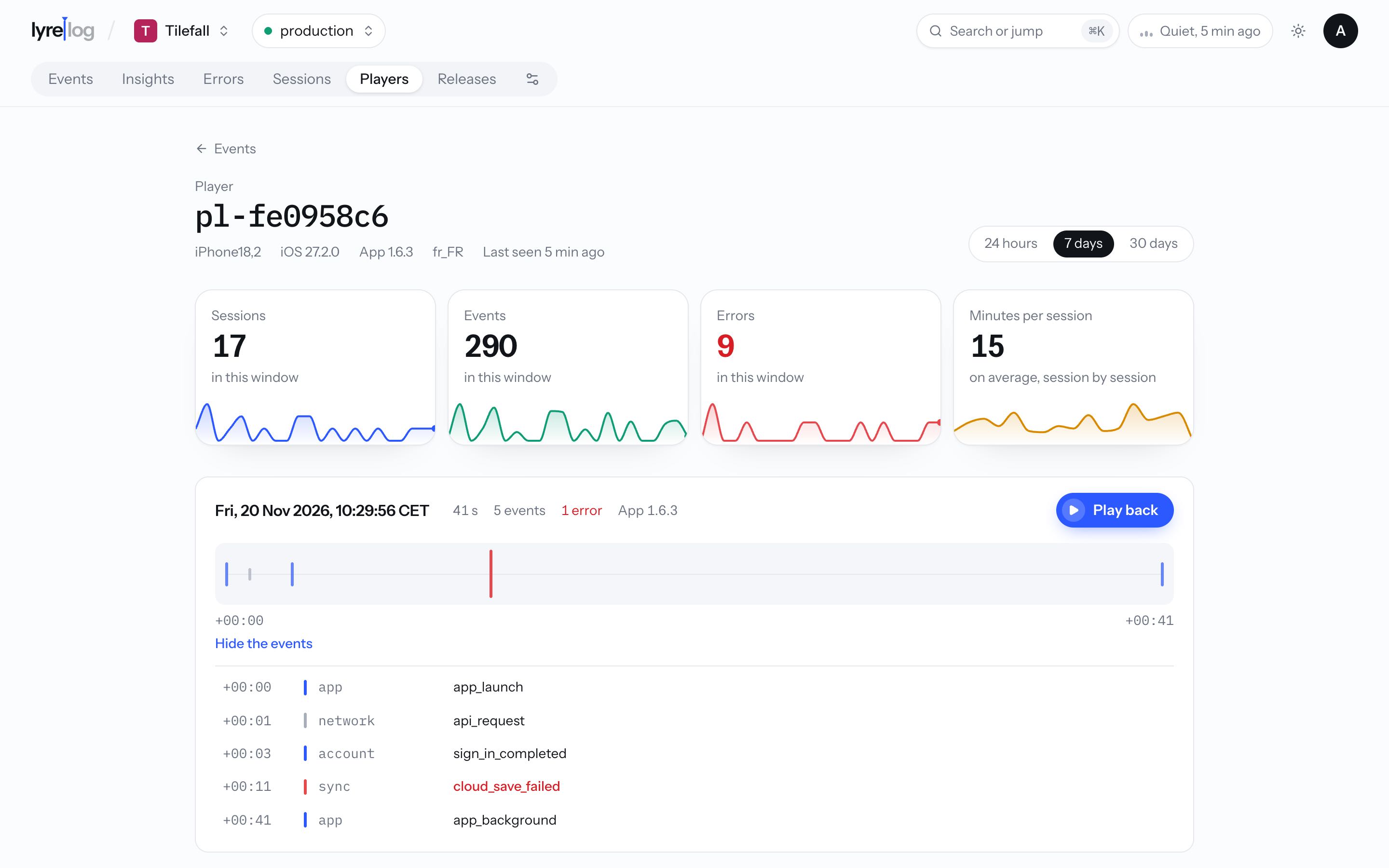
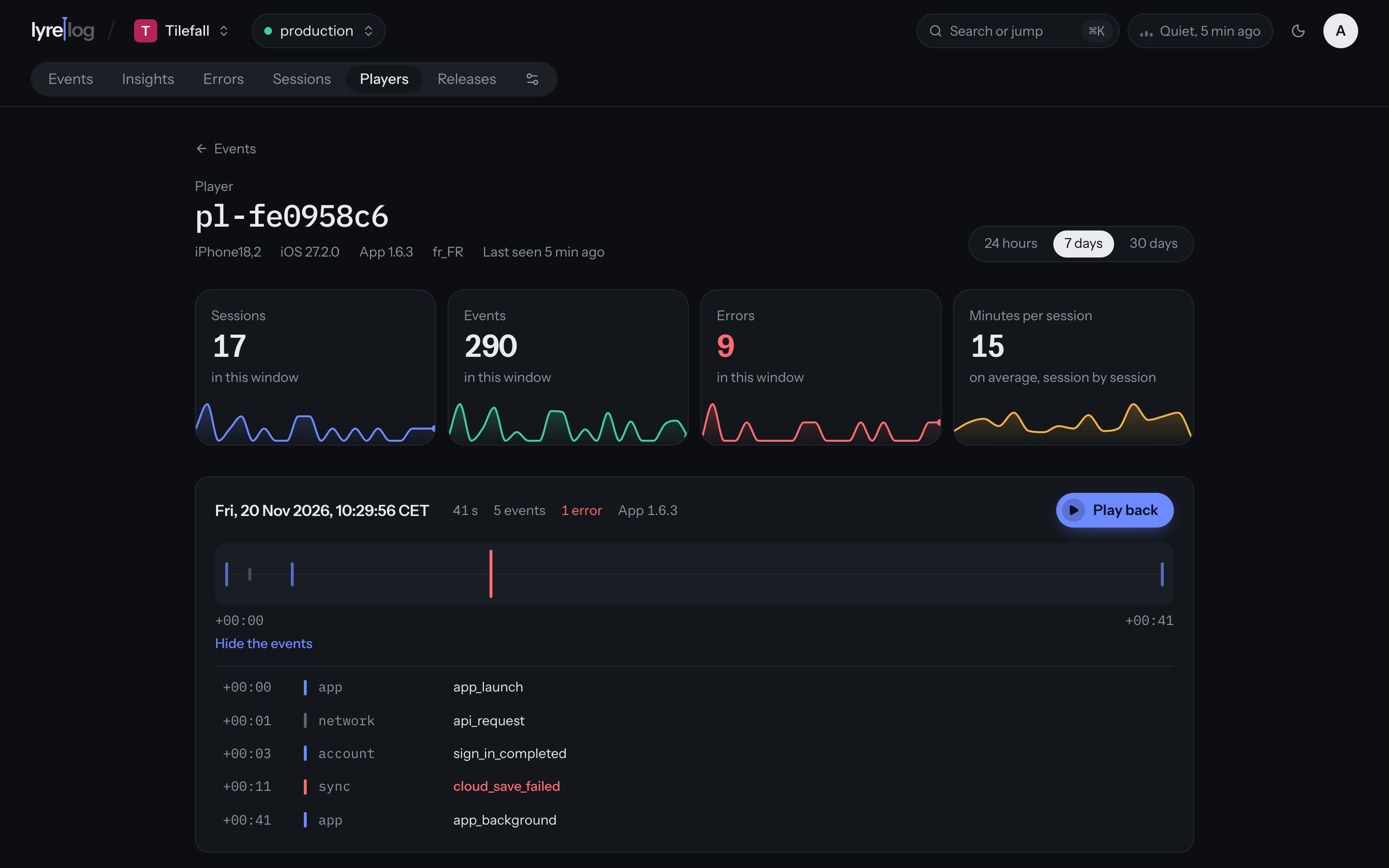
Click a person to open their page. It shows:
- Their latest device, system, app version and locale, and when they were last seen.
- Cards for their Sessions, Events, Errors and Minutes per session over the range (24 hours, 7 days or 30 days).
- Each session as a card, newest first: when it started, how long it lasted, its events, warnings and errors, the app version, and a strip of its events. Sessions with errors open on their own.
Click an event in a session to open it whole, as in the explorer. Play back replays the session: see Sessions and playback. Load earlier events appears when the person has more than fit on the page.
The command menu (⌘ K) opens a person directly from their id. Events with
no user_id don't belong to anyone and don't appear here.